Eco-mode
With the Eco-mode, it is possible to reduce energy consumption during peak hours.
The steps to follow to enable the eco mode are:
-
Create Scenes per area with adjusted light levels to match the required energy savings. See section Eco-scenes and Add, edit and reorder scenes for more information.
-
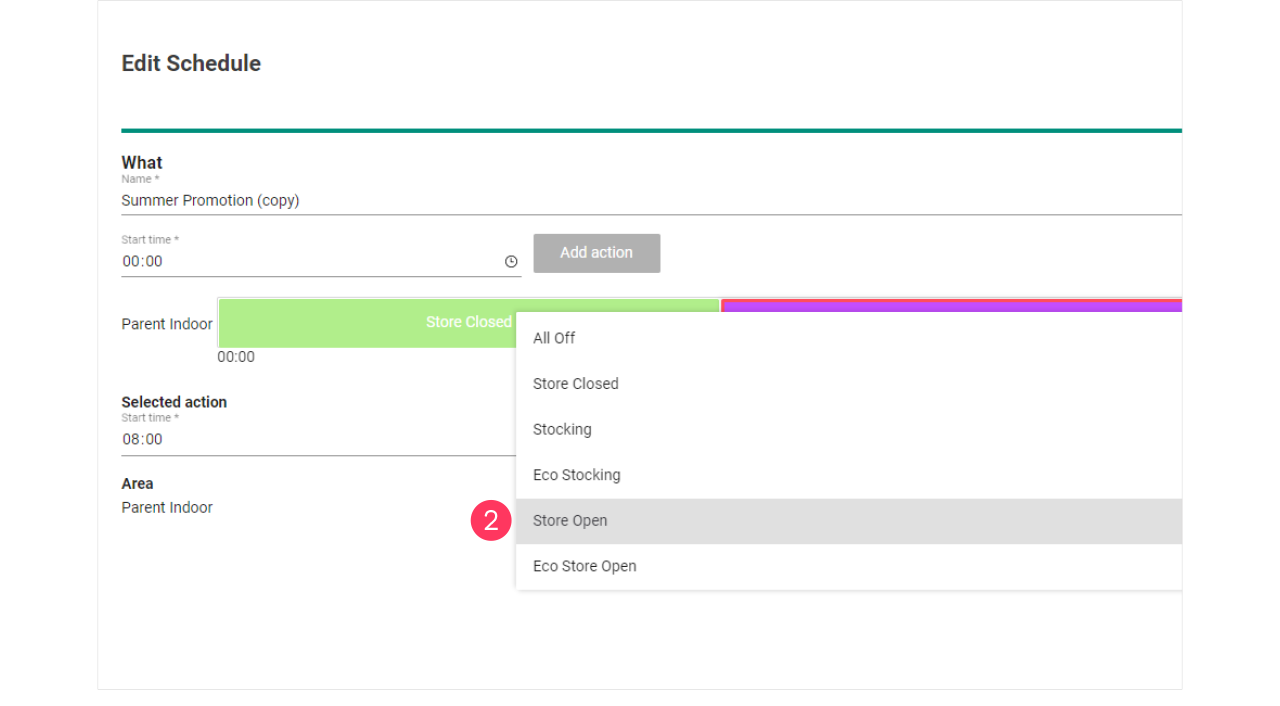
Clone the current running Schedule giving it a clear name and edit the schedule to change the Scenes, for example Store Open to Eco Store Open. See section Add and edit schedules for more information.
-
Clone the current used Concept and limit per area the light levels to achieve the desired energy saving. See section Change light levels for more information.
-
Deploy the Concept with the new Schedule to the applicable site(s). See section Add and edit deployments for more information.