-
In the menu, click Configuration.
-
Select Smart meter groups ( ).
).
-
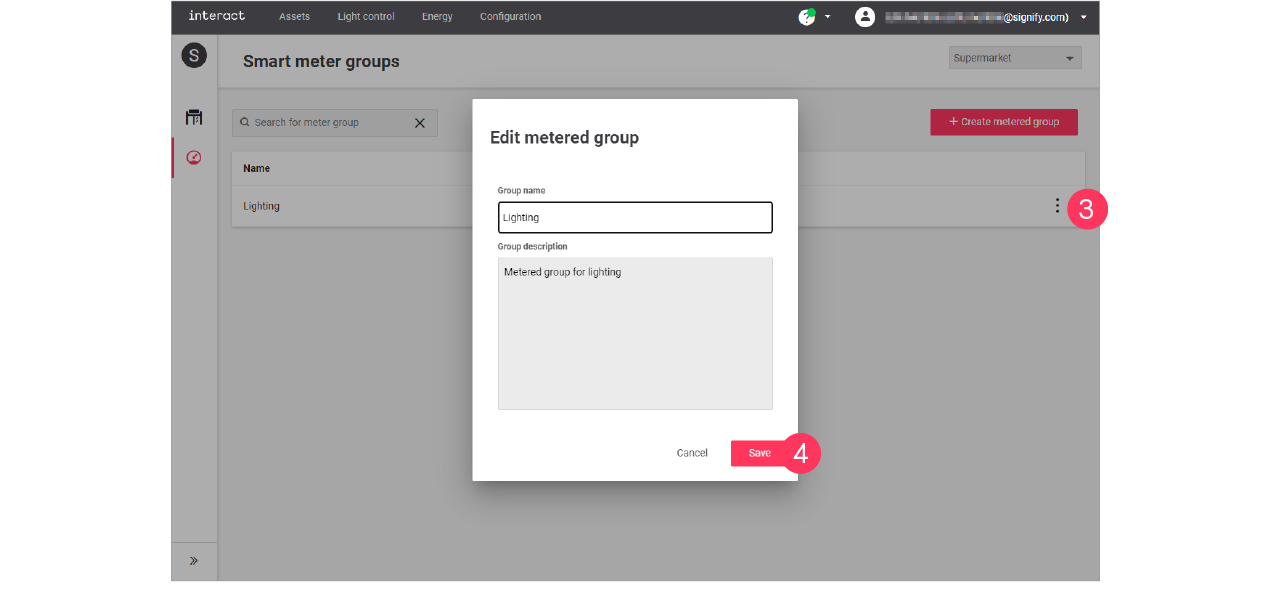
With the mouse, hover over the Action menu icon ( ) of the metered group to edit.
Click Edit.
-
In the Edit metered group menu, change the Group name and/or Group description.
Click Save.